

Inside the MSP Stack: Tools, Processes, and SLAs Used by Columbus MSPs
For Columbus-area small and midsized businesses, the difference between an IT vendor and a true IT partner can directly impact your company’s growth, cybersecurity, and operational efficiency. A modern Managed Services Provider (MSP) delivers proactive technology strategy, not just reactive support, helping businesses align IT investments with long-term goals.
Key Takeaways:
- A true IT partner provides strategic guidance, technology roadmaps, and business-focused planning.
- Recurring IT issues, reactive support, and surprise technology costs are signs you've outgrown your provider.
- Proactive MSP services include 24/7 monitoring, vCIO consulting, standardized systems, and responsive user support.
- Strong cybersecurity requires ongoing risk management, MFA, employee training, layered security, and tested backups.
- Successful IT transitions include structured onboarding, documentation transfer, and alignment with business growth objectives.
Table of Contents
Most small and mid-sized businesses in Columbus and Central Ohio have IT support. What many of them lack is a real IT partner. There is a meaningful difference. A support vendor fixes things when they break. An IT partner helps you make smarter decisions about technology before problems arise, and aligns your digital infrastructure with where your business is headed.
As we hit the midpoint of the year, many owners are sitting down with numbers, projections, and goals. It is a natural moment to ask whether your current IT setup is helping you grow or quietly holding you back.

Signs You Have Outgrown Your Current IT Provider
Outgrowing an IT company rarely happens in a single moment. It builds gradually as your headcount grows, your team goes hybrid, or you open additional locations across Dublin, Westerville, or New Albany. The warning signs tend to look like this:
- The same issues keep coming back. Wi-Fi drops in the same room, VPN access breaks for the same users, and tickets get closed without a root-cause fix.
- IT conversations never go beyond today. You are not talking about upcoming hiring, new locations, or a 12-month technology roadmap. Every conversation is reactive.
- Response times are inconsistent. Staff do not know if help will arrive in 20 minutes or two days, and after-hours coverage is sparse.
- Cybersecurity is patchy. Multi-factor authentication is set up for some users but not others. There is no regular review of risk or compliance, particularly relevant for businesses in healthcare, finance, and manufacturing.
- Costs arrive as surprises. Servers, licenses, and hardware hit end of life with no warning, forcing rushed purchases that disrupt budgets.
If several of these feel familiar, the issue is not your business. You have simply grown past a model that was not designed to scale with you.

What a Modern Managed Services Partner Actually Delivers
A managed services provider (MSP) shifts the relationship from reactive repair to proactive management. Instead of waiting for something to fail, a good MSP monitors your systems continuously, maintains them on a regular schedule, and plans improvements tied to your actual business goals.
For Columbus-area SMBs, that typically means:
- 24/7 monitoring so problems are caught before they affect your team, with updates and patches scheduled around your peak hours.
- Virtual CIO (vCIO) access, giving you a strategic advisor who connects technology decisions to business outcomes, not just technical specs.
- Standardized systems that remove single points of failure. New hires get consistent setups. Security settings are uniform. Onboarding and offboarding follow a documented process.
- User support that reduces downtime and includes basic coaching on the tools your team already uses, which matters especially for hybrid and multi-location teams.
"We started Revolution Group because we saw that small and mid-sized businesses in Central Ohio needed more than someone to call when things broke. They needed a partner who understood their goals and could help them use technology to get there. That is still exactly what drives us today."
– Rick Snide, CEO and Co-founder, Revolution Group

Cybersecurity Is Not a One-Time Setup
Cyber incidents targeting small and midsized businesses have increased steadily, and Central Ohio companies are not exempt. Hybrid work, cloud applications, and remote access expand the number of entry points attackers can target. The goal is not to eliminate all risk but to manage it down to a level your business can sustain.
A practical cybersecurity program for a Columbus SMB should include:
- Layered defenses: firewalls, endpoint protection, email filtering, and MFA applied consistently across all users and locations.
- Regular staff training on phishing and social engineering, with a clear and blame-free process for reporting suspicious activity.
- Tested backups and a documented recovery plan that specifies which systems come back online first after an incident.
- Ongoing risk reviews, not annual checkboxes. Your threat landscape changes, and your security posture needs to keep up with it.
A strong MSP handles most of this as part of ongoing service. Some providers also operate as managed security services providers (MSSPs), adding a deeper security focus for businesses in regulated industries.
How to Switch IT Partners Without Disrupting Your Business
Switching IT providers feels daunting, but with a structured approach, it is manageable. Start by getting clear on what you actually need:
- Identify your top three to five business priorities for the next year or two: growth, new locations, remote work expansion, and compliance requirements.
- Define what IT needs to do to support those priorities: uptime targets, security posture, and user support standards.
When evaluating candidates, ask the right questions:
- How do you handle onboarding and transfer documentation from our current provider?
- How often do we meet for strategic planning, and what does that process look like?
- How do you support multi-location or hybrid teams across Central Ohio?
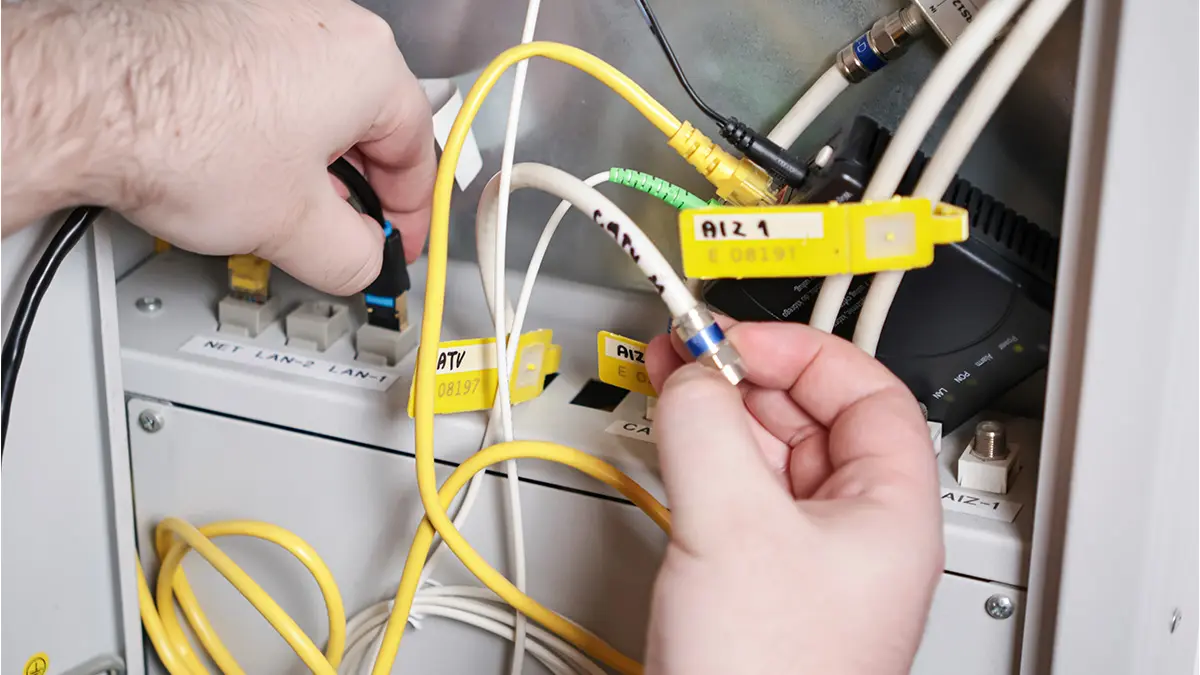
A well-run transition should include a realistic start date that respects existing contracts and avoids your busiest season. All passwords, admin credentials, and documentation should be collected and stored securely before the changeover. An experienced MSP builds this structure into standard onboarding so the process feels orderly, not chaotic.

Ready to Align Your Technology With Your Business Goals?
Revolution Group works with small and mid-sized businesses across Columbus and Central Ohio to build IT strategies that fit their operations, their budgets, and their growth plans. If your current setup feels more like a liability than an asset, we are happy to have a straightforward conversation about what a better fit might look like.
If you are ready to align your technology with your business goals, our team at Revolution Group is here to help. As a trusted IT company in Columbus, Ohio, we work closely with you to create an IT strategy that fits your unique needs and budget. Tell us about your current challenges and plans, and we will recommend a clear path forward.
To start the conversation, simply contact us, and a member of our team will follow up promptly.